
Video Editing courses
Master the Art of Video Editing with INFOZUB Digital Academy!
About the Video Editing Course
Our course is designed to empower you with both creative and technical skills. Through hands-on experience, live projects, and expert instruction, you’ll gain the skills to excel in the competitive design industry.
40+ Modules
20+ Hours Content
365 Days Access
Certified Course
07 Days Refund
365 Days Support
Instant Access
Free Demo Class
WHAT YOU WILL LEARN
What’s Covered in this Course
Basic Tools
Get introduced to Photoshop’s interface, essential tools, and shortcuts to improve workflow efficiency. Learn about layers, selections, and masking basics, which form the foundation for all projects. Explore tools like Move, Marquee, Lasso, and Brush to start creating simple edits. Understand blending modes and opacity adjustments for better control over layer interactions. Gain hands-on experience with the toolbar and setting up a new document.
Poster Design
Learn how to design eye-catching posters with creative layouts, typography, and imagery. Discover how to use color and contrast to draw attention and convey messages effectively. Dive into composition principles to arrange elements for visual appeal and readability. Use blending modes, textures, and effects to add depth and style to your posters. Create mockups and print-ready files for professional-quality outputs.
Flyer Design
Master the art of creating flyers that communicate clearly and captivate audiences. Understand the balance between text and visuals, ensuring a cohesive and informative design. Experiment with grids, guides, and alignment tools to structure flyer layouts. Enhance readability and flow with font pairings, spacing, and color schemes. Learn about print setup and exporting options for professional and digital use.
Color Correction
Learn how to adjust colors and tones to achieve natural, vibrant results in photos. Explore adjustment layers like Curves, Levels, and Hue/Saturation to correct exposure and color balance. Use tools like the Dodge, Burn, and Sponge for targeted edits to highlight and restore detail. Understand how to create custom presets for consistent color grading across multiple images. Enhance your ability to make dramatic changes that transform photos.
Photo Manipulation
Dive into Photoshop’s transformative tools for blending multiple images into surreal, creative artworks. Use techniques like layer masks, selections, and transformations to merge elements seamlessly. Experiment with perspective and shadows to create realistic or fantastical compositions. Learn how to use the Liquify tool, Puppet Warp, and other effects to reshape and morph images.
Photo Retouching
Discover professional techniques for enhancing portraits and removing imperfections. Use tools like the Healing Brush, Spot Healing, and Patch Tool to smooth skin and remove blemishes. Learn frequency separation and dodge & burn techniques for high-end retouching. Explore methods to adjust facial features subtly for natural, flattering results. Enhance details like eyes, hair, and background for a polished final image.
Photo Composition
Build skills in arranging multiple elements to create cohesive scenes and balanced compositions. Learn rules like the Rule of Thirds and Golden Ratio for aesthetically pleasing layouts. Understand the use of depth, foreground, and background to create realistic compositions. Practice using the Clone Stamp and Healing Brush to integrate elements naturally. Develop a critical eye for aligning lighting, colors, and shadows for convincing scenes.
Tips & Tricks
Unlock advanced tips to streamline your workflow and add flair to your designs. Learn shortcut keys, hidden tools, and customization options to speed up your editing. Discover creative effects like duotones, glitch art, and double exposure to elevate projects. Get advice on organizing files, managing layer complexity, and optimizing Photoshop settings. Explore best practices for saving, exporting, and managing large projects.
Why INFOZUB DIGITAL ACADEMY
Learn at anytime & Anywhere
Discover the updated latest strategies
Downloadable Resources for your Practice
Hand-on training by expert Instructors
Get Certificate on completion
Gain Entry to an Exclusive community Group
Understanding the Journey
Course Roadmap
1. Consultation Call
We will call you to give a complete overview about the course and solve your doubts related to the course.
2. Course Purchase
Once you have complete understanding of this course and syllabus, You can purchase the course.
3. Course Access
Immediately after purchasing, you will receive access to the course LMS (Learning Management System) through email.
4. LMS Mobile App
Remember to download and install our android mobile app for learning this course through your mobile.
5. Learning Modules
All the learning modules are accessible to you. It’s recommended to learn in the sequence we have uploaded the videos.
6. Community Support
If you have any doubts while learning the course, you can feel free to ask in the “Community Support” section in the LMS.
7. Completion Certificate
Once you complete learning all the modules, you will receive a “Course Completion Certificate” for this course.
8. Lifetime Access
Even after completing the course, you will continue to have tutorials access, including future updates for the tutorials.
What you will learn
Getting Started with Photoshop
✅ How to Download and Install Photoshop
✅ Overview of Photoshop Interface
✅ How to Create Custom Photoshop Workspace
✅ A Beginner’s Guide to Photoshop Workflow
✅ Understanding Photoshop Layers
✅ Advanced Techniques of Photoshop Move Tool
✅ A Deep Dive into the Photoshop Type Tool
✅ Exploring Advanced Features in Type Tool Paragraph Option
✅ Better Understanding of Type Tool Through Practice
✅ Mastering Photoshop’s Gradient Tool
✅ A Brief Introduction of Photoshop Shape Tool
✅ Photoshop Shape Tool Advance Options
✅ Your First Design with Photoshop
✅ A Comprehensive Guide to Photoshop Free Transform Options
✅ Mastering Creative Distortions in Warp Mode
✅ What is Smart Object in Photoshop
✅ Understanding Concept of Linked Smart Object
✅ Difference Between Place Embedded and Smart Object
✅ How to Align Your Design
✅ What is Distribute
✅ Your Second Design with Photoshop
✅ How to Use Rulers and Guides
✅ Importance of Slice Tool
✅ What is Brush
✅ Master in Brush Settings
✅ Create Your Own Custom Brush
✅ Unlock The Full Power of Photoshop Layer Masks
✅ Learn How to Use Clipping Masks
✅ Saving Projects in Photoshop
✅ Oil Painting Is Easy With Art History Brush Tool
✅ Anyone Can Do Pencil Art
✅ Create Oil Paint Using Photoshop AI
Master in Selection Techniques
✅ What is covered in this series
✅ Master In Pen Tool
✅ Master In Pen Tool Part-2
✅ Creating Basic Shapes Selection with Marquee Tools
✅ How Does Lasso Tools Work
✅ Selections Made Simple With Object Selection, Quick Selection, Magic Wand Tool
✅ Better Understanding of Select and Mask
✅ Advanced Techniques For Hair Selection
✅ Quickly Cut and Refine Hair from Dark and Bright Backgrounds
✅ Using Layer Masks To Create Hair
✅ Cutting Hair From Messy Backgrounds
✅ Pro-level Selection Techniques: Channels And Blend If
Community Question and Answer
✅ How to Convert Text Layer to Shape Layer
✅ How to Make Glass Morphism Effect in Photoshop
✅ One-Click Magic Instantly Convert RGB to CMYK
✅ Movie Poster Step-By-Step Recreation
Your Talent, Officially Recognized
Our Certification
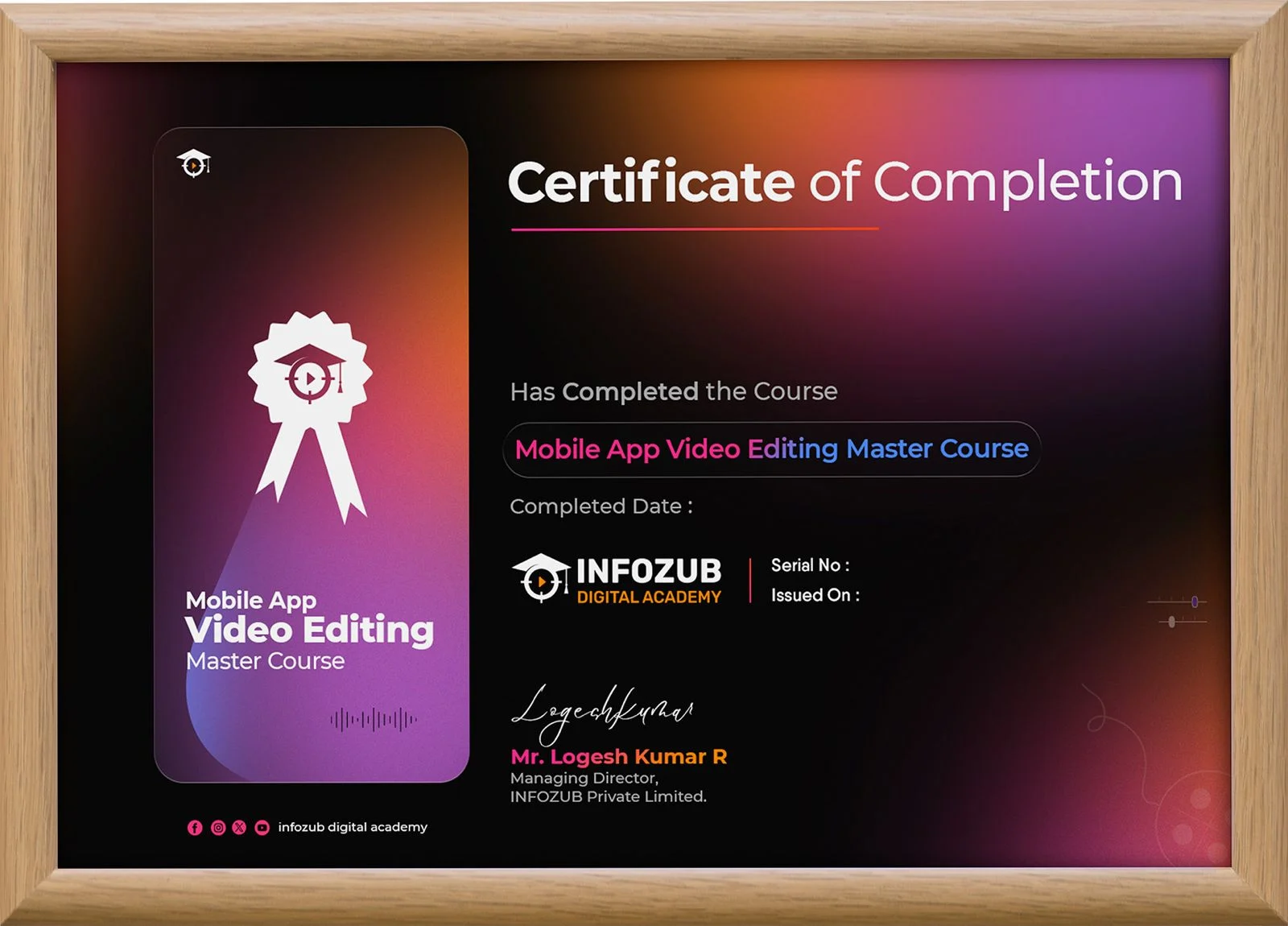
Earn a professional certification with our Mobile App Video Editing Master Course and showcase your video editing expertise. Validate your skills with a globally recognized credential and elevate your career opportunities with Infozub Digital Academy!
Everything You Need to Know
Frequently Asked Questions
Is this recorded course?
This is a Recorded self-paced course. You will get access to all video modules through our private members area that you can login into.
If I make a payment now, when will I get access to the course?
You will get INSTANT ACCESS. Once you complete your payment, you will get the login details on email within 5 minutes and you can start learning.
Can I watch the videos on any device?
Yes, our course lessons are accessible on Desktops, Laptops, Mobile Phones or Tablets.
Where can I ask any questions or doubts while I implement?
You will get be added to our private learners’ support group where you can post your questions and get answers for them any time you want. Our team will assist you promptly.
I have never learn anything about Photoshop. Can I take this course?
Absolutely! This course begins from basics and will teach you everything from the beginning.
Can I download the videos?
You can access the videos in your private members area anytime you want. But the videos cannot be downloaded.
How to Join Support and Update Groups?
Click on the below links to join.
Facebook Group Link – https://www.facebook.com/groups/infozubdigitalacademy/
WhatsApp Channel Link – https://whatsapp.com/channel/0029Va98ya6E50Us1f3bbz2F
Telegram Group Link – https://t.me/+FeidGZK0ax40MzFl
What will I learn in this course?
The course covers a comprehensive range of topics, including an introduction to Photoshop, essential tools and functions, image editing techniques, advanced features like layers and masks, design fundamentals, photo manipulation, and project-based learning to apply your skills in real-world scenarios.